XP-Pen
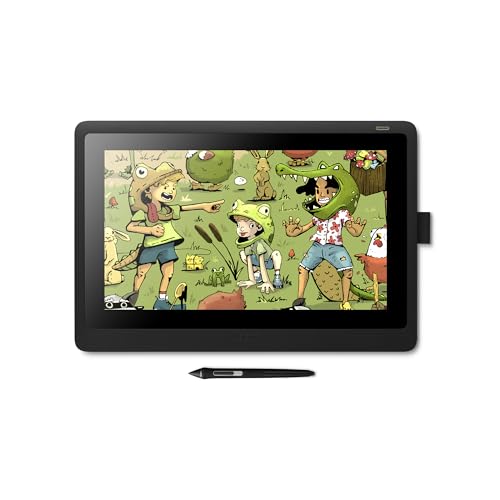
XPPen Deco 01 V3
Best for: Beginners and students who want a large drawing area on a small budget

A pen tablet lets you draw on a computer with pressure-sensitive lines. Screenless tablets are the cheapest way to start. Pen displays let you draw directly on the screen but need a computer. Standalone tablets work on their own.
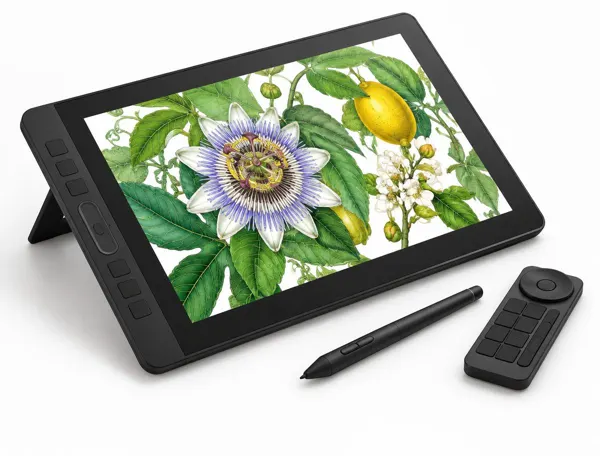
Screenless pen tablets, pen displays and standalone drawing tablets from XPPen, Huion, Wacom, GAOMON, UGEE and PicassoTab.
XP-Pen
Best for: Beginners and students who want a large drawing area on a small budget
XP-Pen
Best for: Artists moving from a screenless tablet to drawing on the screen
PicassoTab
Best for: Beginners and young artists who want to draw anywhere without a computer
XP-Pen
Best for: Artists who want a serious drawing tablet that works on its own
HUION
Best for: Artists who want a calibrated pen display without a big budget
XP-Pen
Best for: Artists who draw on a laptop and move between home, class and studio
XP-Pen
Best for: Students, osu! players and anyone who wants a pen instead of a mouse for very little money
HUION
Best for: Beginners who want more room than a 6 x 4 inch tablet without taking over the desk
Wacom
Best for: Working illustrators, retouchers and designers who want Wacom's best pen without a screen
UGEE
Best for: Beginners who want a big drawing area and broad device support on a small budget
Simbans
Best for: Kids and beginners who want to learn digital drawing without a computer
Frunsi
Best for: Students and hobbyists who want a portable drawing tablet that also handles notes and browsing
Wacom
Best for: Artists who want Wacom pen quality in a tablet that works without a computer
GAOMON
Best for: Beginners who want lots of shortcuts, including a zoom ring, on a budget tablet
Wacom
Best for: Artists who want to draw on screen with a Wacom pen and do not need 2.5K resolution
HUION
Best for: Illustrators and colorists who want a sharp, color-accurate screen for less than Wacom
XP-Pen
Best for: Artists who want a large, sharp pen display with a stand and shortcuts in the box
As an Amazon Associate, Drawings Easy earns from qualifying purchases. Prices and availability are shown on Amazon and can change. Disclosure
A screenless pen tablet is the cheapest way in. You draw on the pad and watch the monitor, which takes a week or two to get used to. A pen display lets you draw directly on the screen but still needs a computer. A standalone tablet runs its own drawing apps, so it works anywhere with no cables.
Small tablets around 6 x 4 inches suit laptops, note-taking and small wrist movements. A 10 x 6 inch area gives room for longer strokes from the elbow. For pen displays, 13 inches is portable and 16 inches is comfortable for long sessions at a desk.
Pressure levels control how line weight and opacity respond to your hand. 8,192 levels is plenty for most people, and 16,384 feels a little smoother at light pressure. Tilt support matters if you shade with the side of a brush in apps like Photoshop or Krita.
Look for a laminated screen, which puts the image closer to the pen tip and reduces parallax. A 2.5K resolution on a 16 inch screen looks noticeably sharper than Full HD. If color matters for print or client work, check sRGB coverage and a Delta E under 2.
Check the tablet supports your computer and software before buying. Most work with Windows and macOS. ChromeOS, Linux and Android support varies by model, and some pen displays need a full-featured USB-C port to run on one cable.